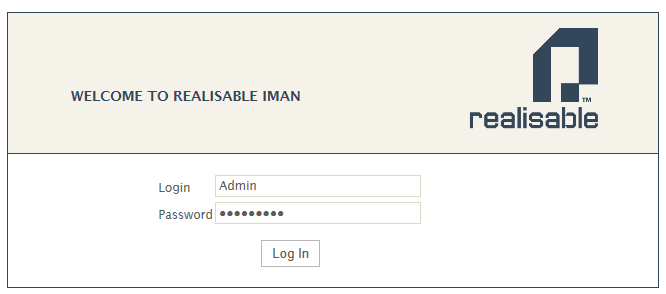
IMan Login
- Open a web browser and enter the URL for your IMan server into the address bar:
- https://<servername>:44303/IMan
- Replace <servername> with name of the server or workstation on which IMan is installed.
- Please note port 44303.
- Enter your name (your email) and password; press Sign In.
2FA/ One Time Password (OTP)
When enabled you will be prompted to enter your OTP from your authenticator.
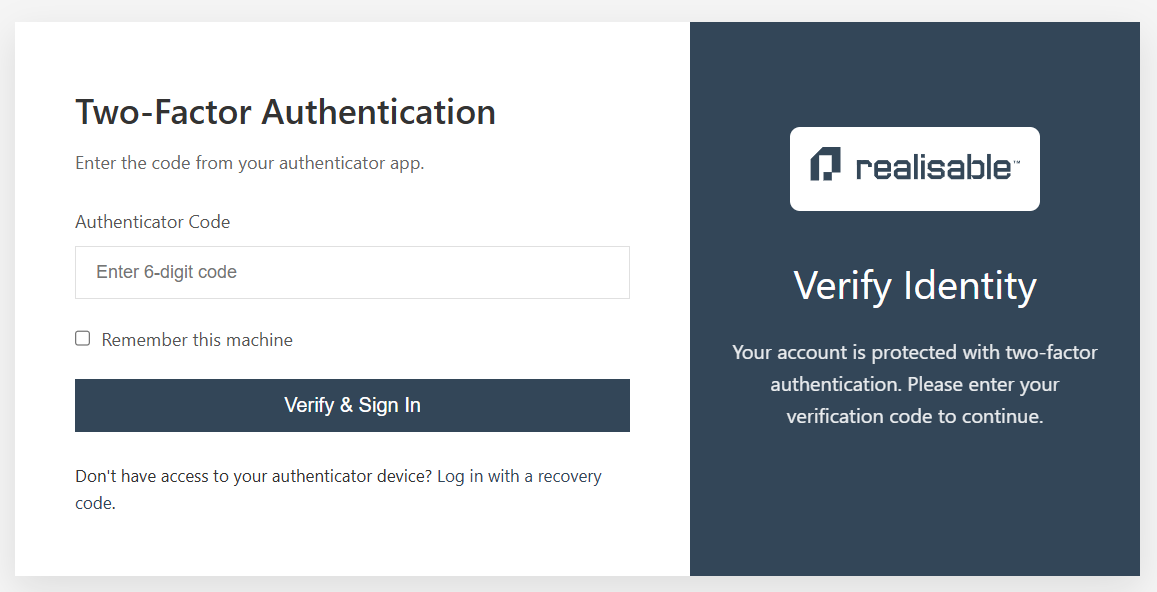
Password managers such as 1Password can also act as your authenticator and can auto-fill the OTP.
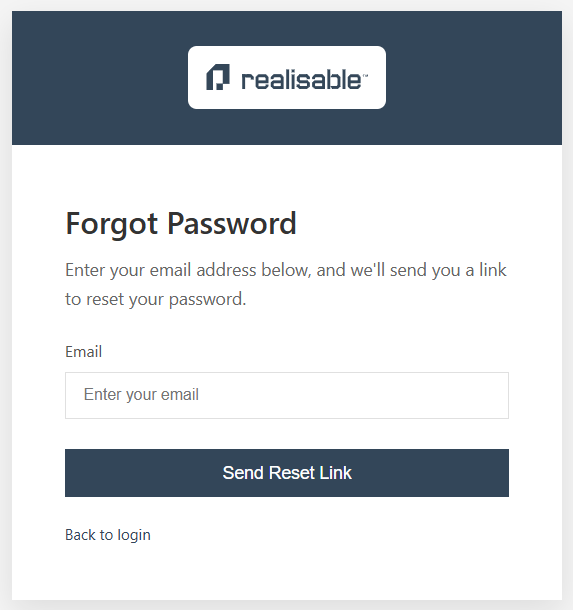
Forgot Password
This will send a reset password link.