User Profile
The user profile page provide you the capability to manage your user properties and authentication details.
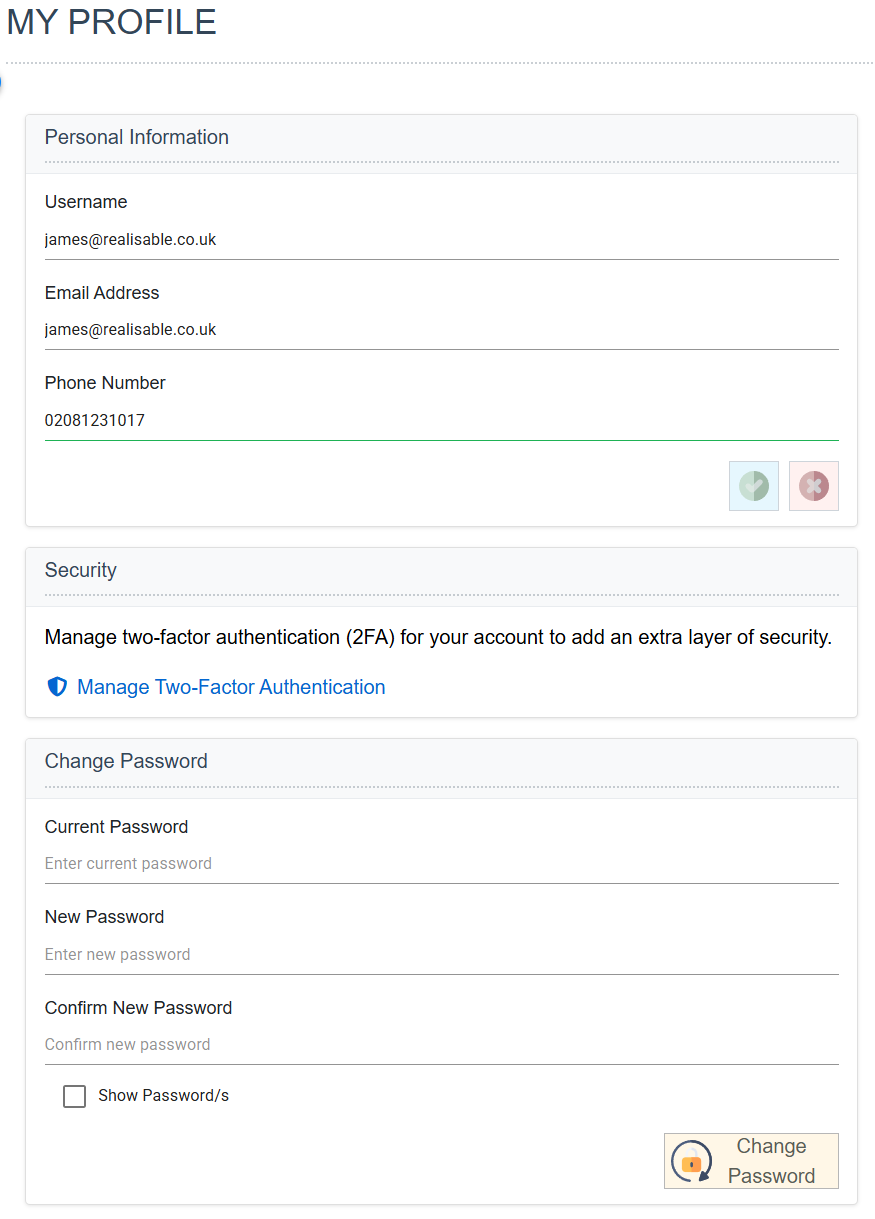
Email Address
Your email address.
Phone Number
Your phone number.
Manage Two Factor Authentication
Will show the Manage Two-Factor Authentication screen.
Changing your password - Current Password, New Password and Confirm New Password
Change your password by entering your current password and a new password, and pressing the Change Password button.
Manage Two-Factor Authentication
This screen allows you to manage the 2FA for your user.
Enabling 2FA
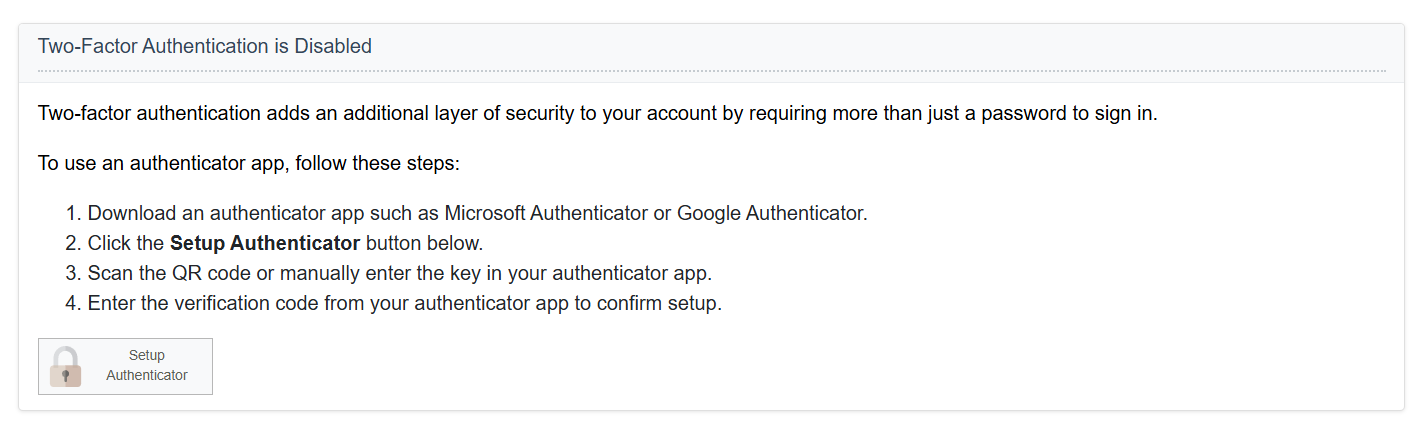
You can optionally enable 2FA if your user is not configured to use 2FA.
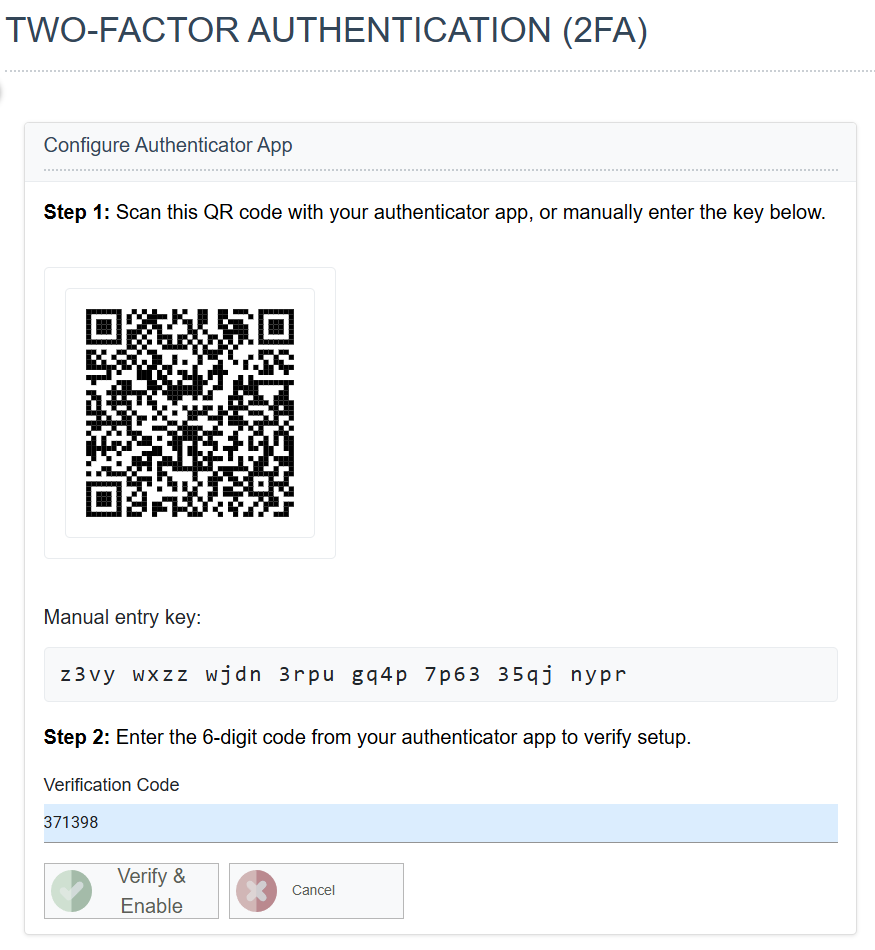
- Press Setup Authenticator.
- Configure your Authenticator.
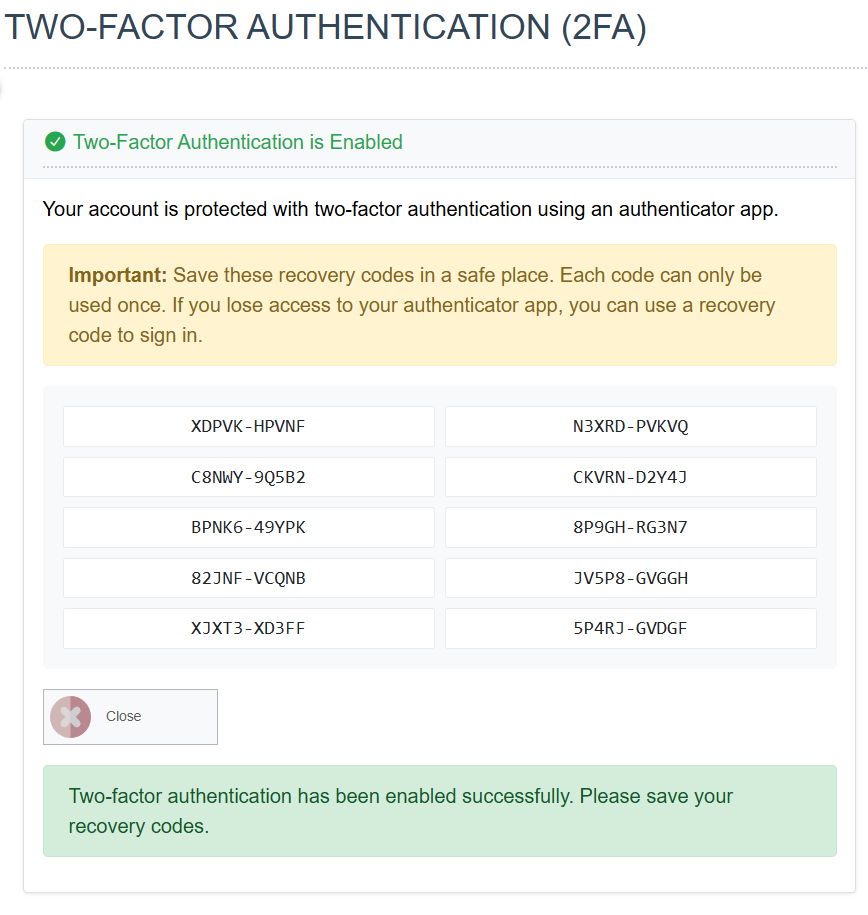
- Record your Recovery Codes.
Managing your 2FA
Your account's 2FA can be managed if it is already enabled.
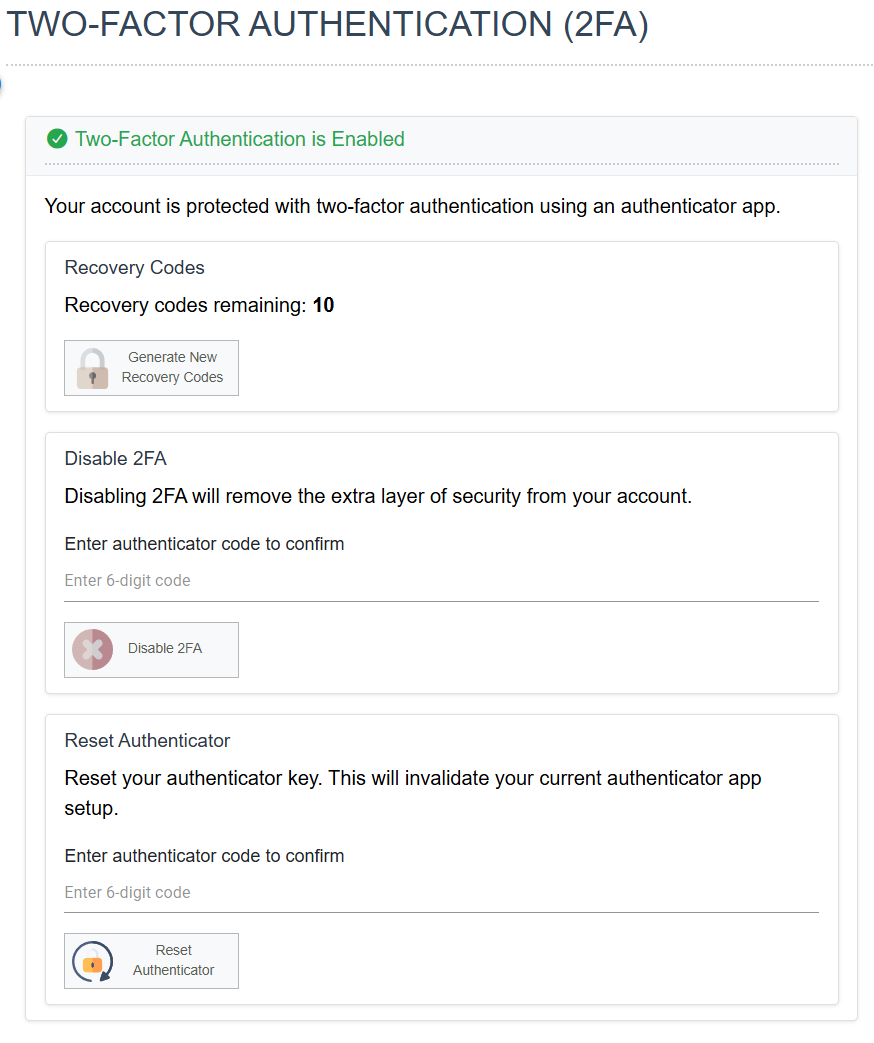
Recovery Codes
When clicked will display a new set of recovery codes.
Disabling 2FA
If the global permissions allow, this will disable 2FA.
Reset Authenticator
You can reset your authentication by entering a valid (current) OTP.