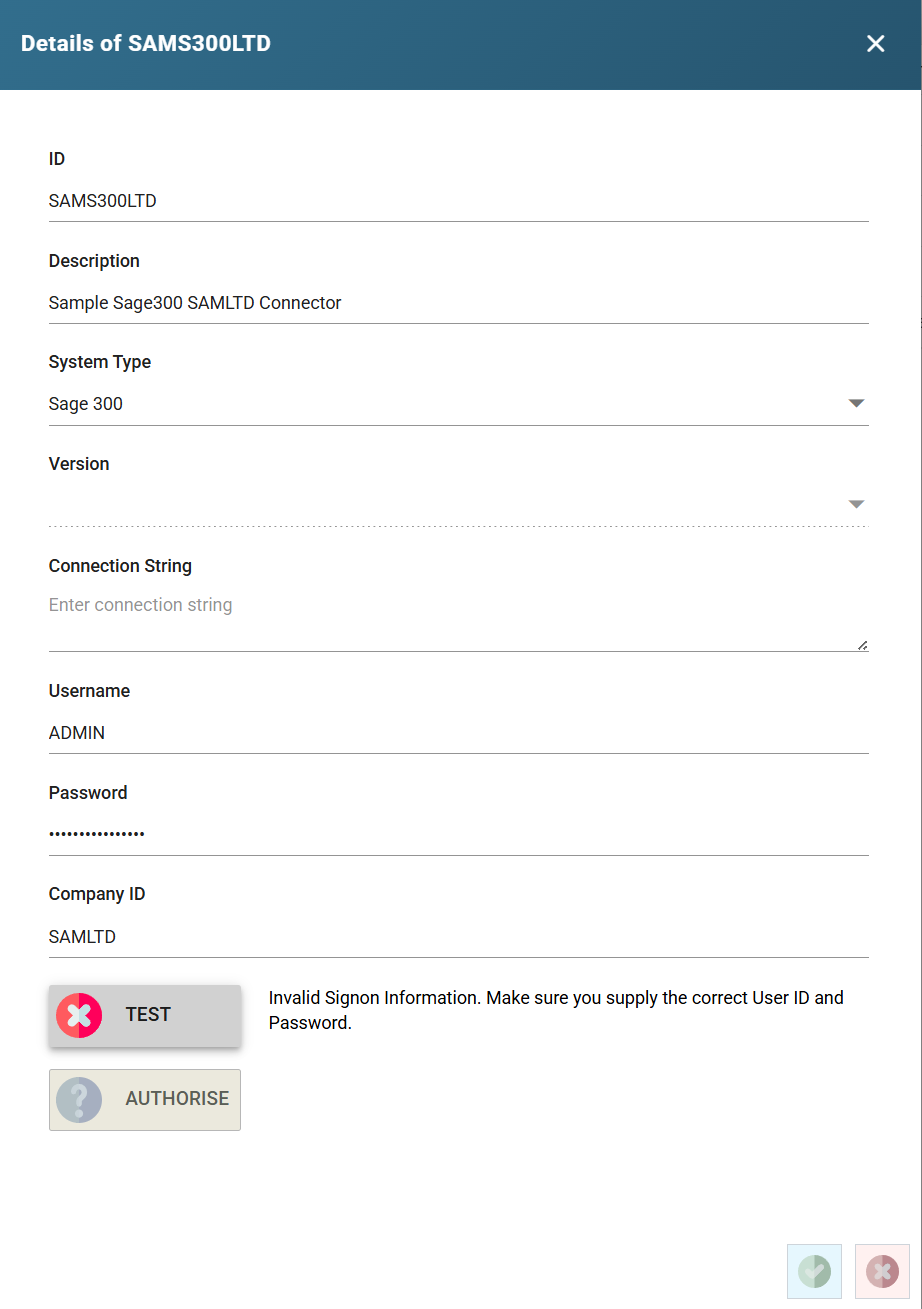
System Connectors Setup
System connectors define the various settings required to connect and authenticate with applications such as Sage200, Sage300 Acumatica, and Salesforce.
There are default connectors, which may have incorrect settings for the system. Therefore, it is necessary to review the default connectors, and make changes where necessary.
- Click the System Connectors option of the left hand side of the Setup menu.
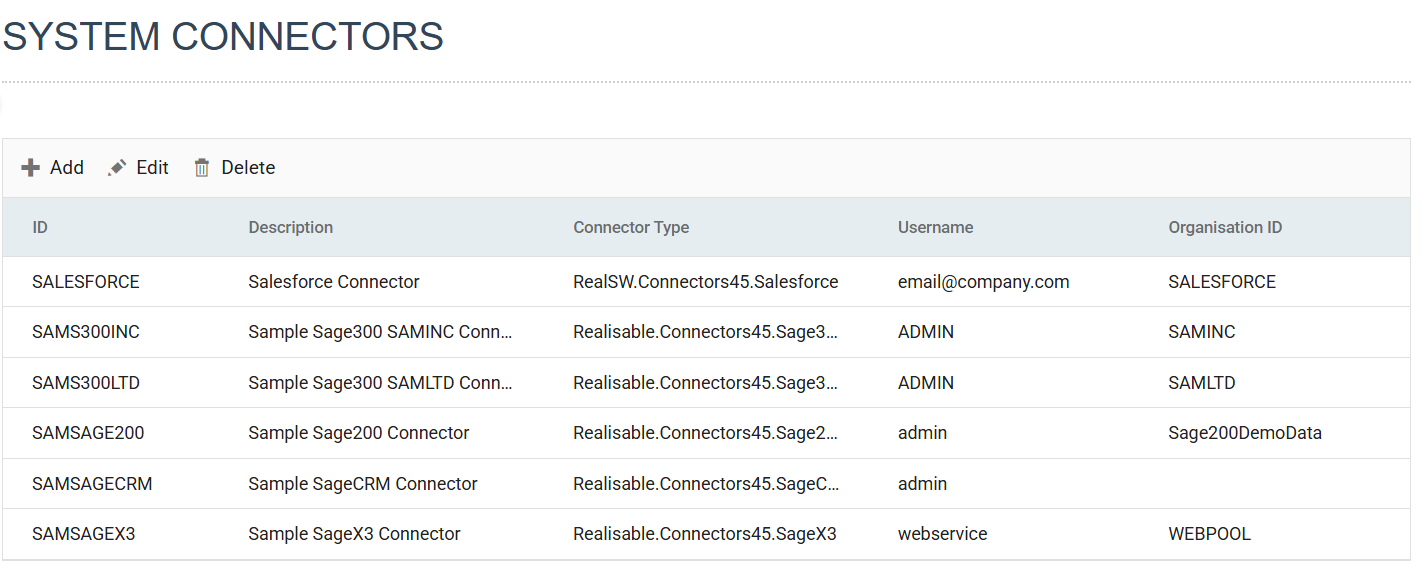
- Click on the relevant row in the grid to edit its settings.
- Make the necessary changes to Connection String, Username, Password, and Company Id fields - per the desired Setup, then press Test to ensure the connection can be made.
- See the connector setup for specific details.